
Getting Started with Netlify
Getting Started with Netlify
What is Netlify?
Put simply, Netlify is an all-in-one platform that makes it incredibly easy to deploy static web applications to the world in record time.
Netlify explains that “1,000,000+ developers and businesses use Netlify to run web projects at global scale—without servers, devops, or costly infrastructure.” As you’ll soon see, so many people rely on Netlify because it takes care of much of this complexity associated with developing, deploying, and hosting web applications.
Netlify is perfect for many projects because of the following:
- DeployingMinimum Viable ProductsandProof of Conceptscan be accomplished in a matter of minutes.
- Many site configurations are already handled, so you can avoid unnecessary details and instead focus on creating your actual projects.
- Continuous Deploymentenables you to auto-publish every time you push a commit onGitHub.
Now that you know the basics of Netlify, it’s time to sign up for a free account so that you can deploy websites!
Signing Up
To create a free account, navigate to theNetlifywebsite and click theSign upbutton in the upper-right corner. You should be redirected to a page that includes the following options to create an account:
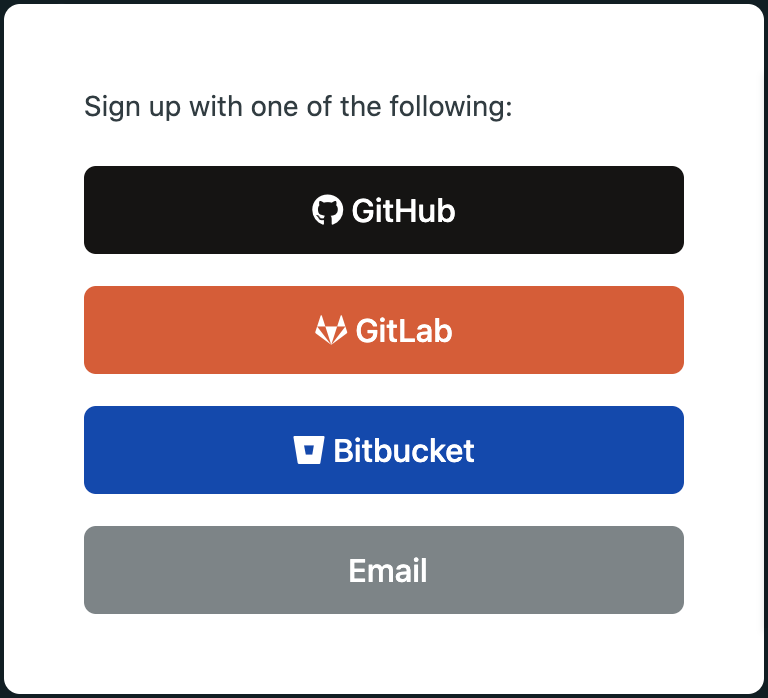
Screenshot of the sign up options
For the purpose of this article, theEmailsign up option will be used. However, you can create an account using any of the OAuth methods (in fact, signing up withGitHubmay save you time later on).
After clicking theEmailoption, you’ll be asked to enter the email and password that you want to use for your Netlify account:
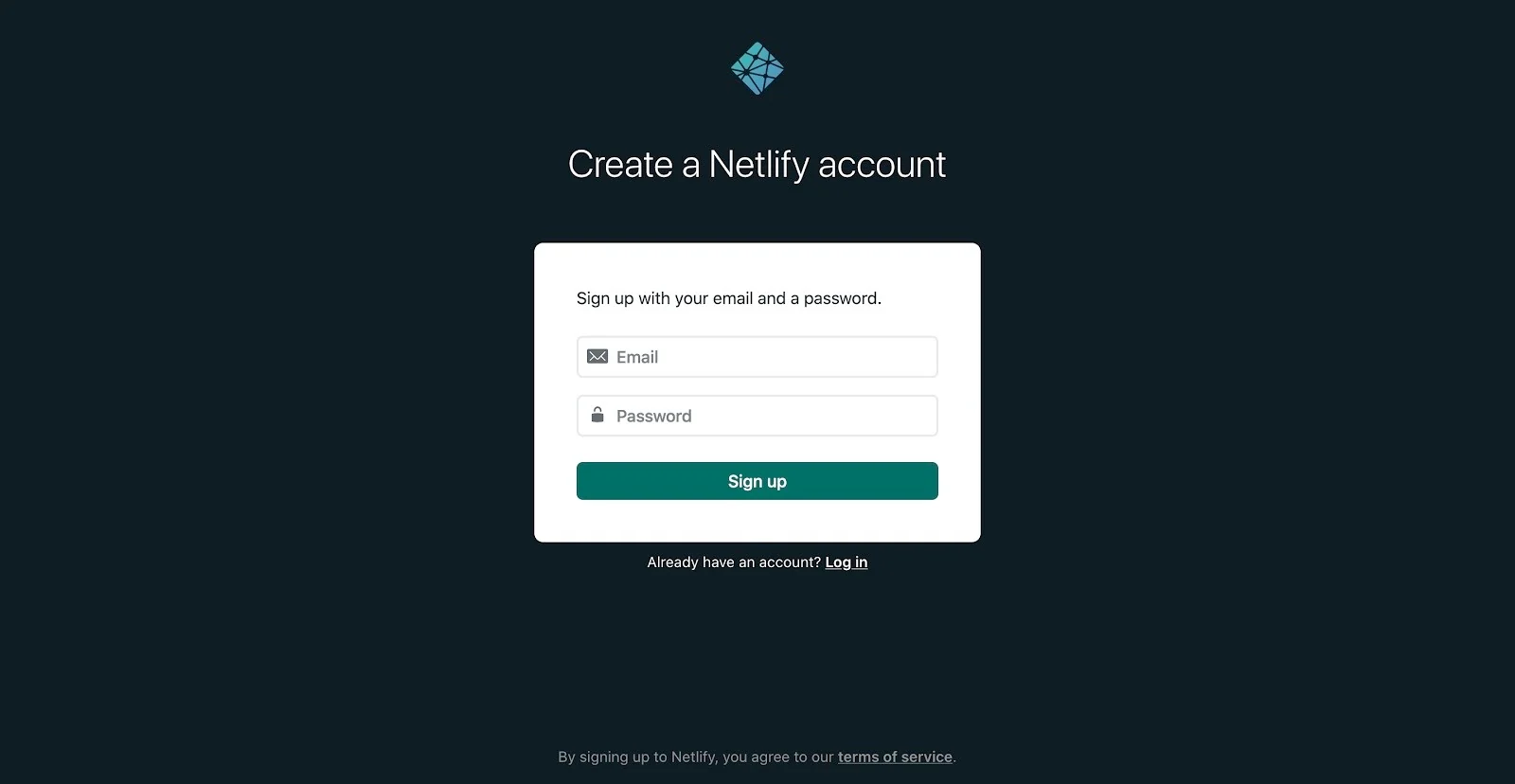
Screenshot of creating an account with the Email option
After you sign up and verify your email, you’ll have access to your new personal dashboard. Your dashboard won’t have any projects yet and should look similar to:
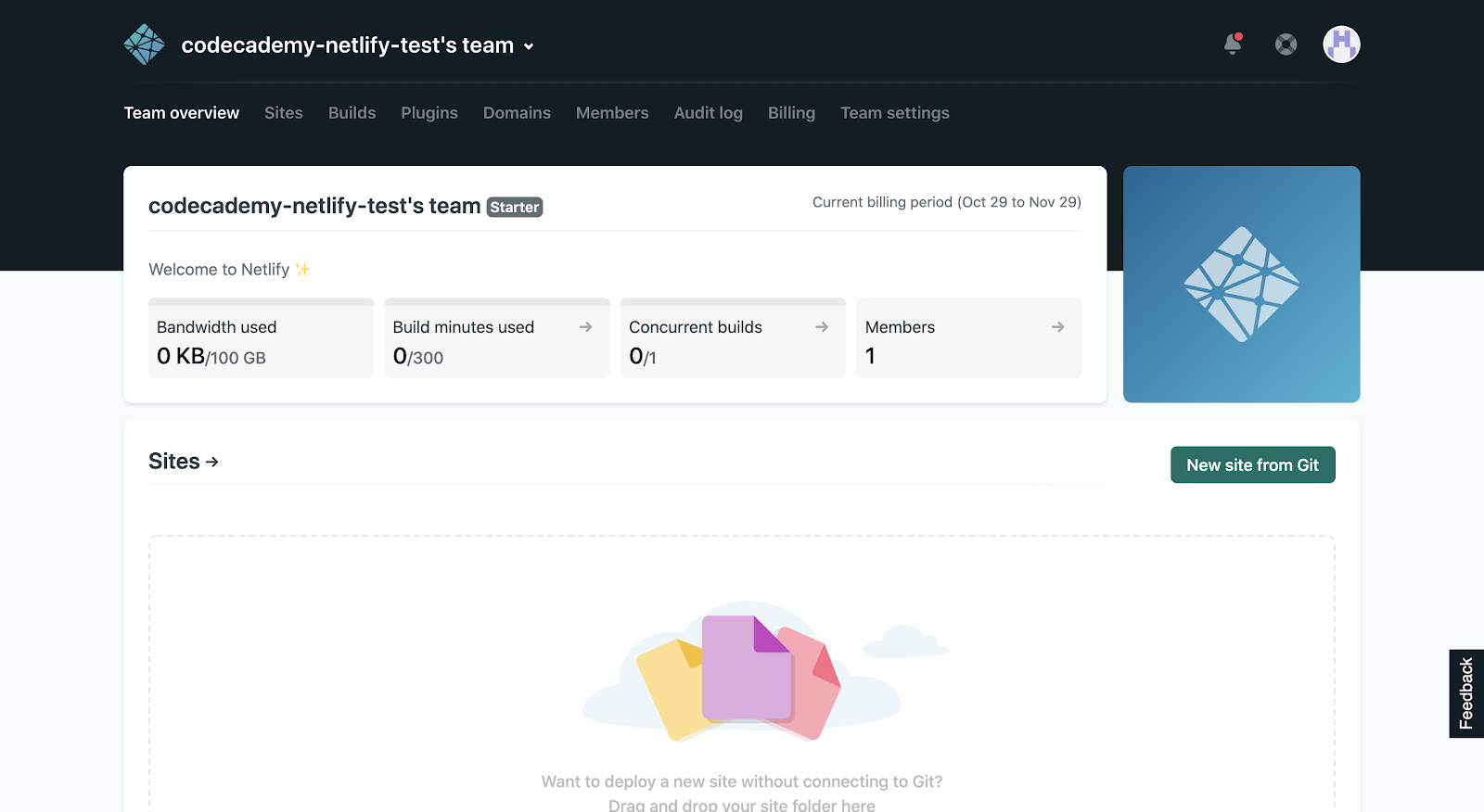
Screenshot of the Netlify dashboard
It’s that simple to create an account! You’re ready to deploy websites through Netlify, but let’s first learn more about the various services and plans that are available.
Plans and Services
Netlify offers many plans and services to fit each project’s needs and empower developers like you to effortlessly share them with the world.
What’s more, Netlify provides a generous free “Starter” plan, which is perfect for personal projects, hobby sites, or experiments. When you create an account by following the steps above, you’re automatically enrolled in this plan. Specifically, you’ll have access to the following services with the “Starter” plan:
- Automated builds from Git so that your sites auto-publish when you push commits on GitHub (built-in Continuous Deployment).
- Deploy to the globalEdgenetwork, an extremely fast and resilient network for handling complex tasks and running custom logic.
- Site previews for every push to test and verify changes before putting them into production.
- Instant rollbacks to any version so that you can easily reverse any changes.
- Deploy static assets anddynamic serverless functions, which provides greater flexibility when building and scaling sites.
- And so muchmore!
However, if you need even more functionality, you can look into thepaid plans.
Even More Capabilities
As you work more with Netlify, you’ll find that it hasso many other servicesto offer, such as:
- Various ways to monitor your websites through real-time logs, notifications, and analytics that provide trends of in site activity.
- The ability to easily add custom domains and set up HTTPS for free.
- Pre-built form handling, which eliminates the need for implementing APIs or extraJavaScriptto create forms on your websites.
- Visitor access mechanisms that enable you to control which parts of your website are public and even authenticate users.
Wrapping Up
You’ve created an account and learned about some of the capabilities of Netlify, along with seeing how it can be incorporated into your development process. However, these are just the basics — you’ll soon learn how to deploy websites right from your Netlify account.
If you wish, you can get a head start and explore the various tools that you now have access to in your Netlify dashboard! Head over toNetlify’s documentationto learn more about deploying websites, or click “Next” to follow our tutorial.
'The Codecademy Team, composed of experienced educators and tech experts, is dedicated to making tech skills accessible to all. We empower learners worldwide with expert-reviewed content that develops and enhances the technical skills needed to advance and succeed in their careers.'
Complete Payment to Unlock Full Guide & Source Code
You are viewing the 30% preview. Join TopCourseAI Pro to unlock the remaining 70% of this article, unblur all code snippets, and gain full access to all 412 technical projects and guides.
Ready to access the complete step-by-step tutorial?
Gain full unhindered access to all 412 technical projects and guides, unblur all source code snippets, and download runnable scripts.
Getting Started with Modular's Mojo Programming Language
Next BlueprintGetting Started with OpenAI Models
Related Blueprints & Guides
View all 166 →Accessibility on the Platform
Codecademy is committed to providing a high-quality learning experience for all learners. That includes accommodating different usage forms such as auditory, motor, or visual restrictions, limited hardware, or other acce...
Web developmentAffordances, Signifiers, and Clickability
For users on the web, the mouse click is perhaps the most fundamental human-computer interaction. The webbecamethe web partially through the power ofhypertext, or text in one document that links to other documents or res...
Web developmentAuthentication and OAuth
Authenticationis the process used by applications to determine and confirm identities of users. It ensures that the correct content is shown to users. More importantly, it ensures that incorrect content is secured and u...
Ready to build production-grade AI systems?
Enjoyed this guide? Continue exploring our library of 166+ production blueprints, multi-agent swarms, and autonomous agent systems with 100% unblurred, executable source code.